
Artificial intelligence is becoming a practical part of everyday teaching. From preparing lesson plans and creating quizzes to adapting learning material and organizing research, AI can take care of many repetitive tasks that traditionally consume teachers’ time.
The important point is that AI does not have to replace the teacher. Used properly, it can work more like a digital teaching assistant, helping educators get through routine work faster while leaving more time for students.
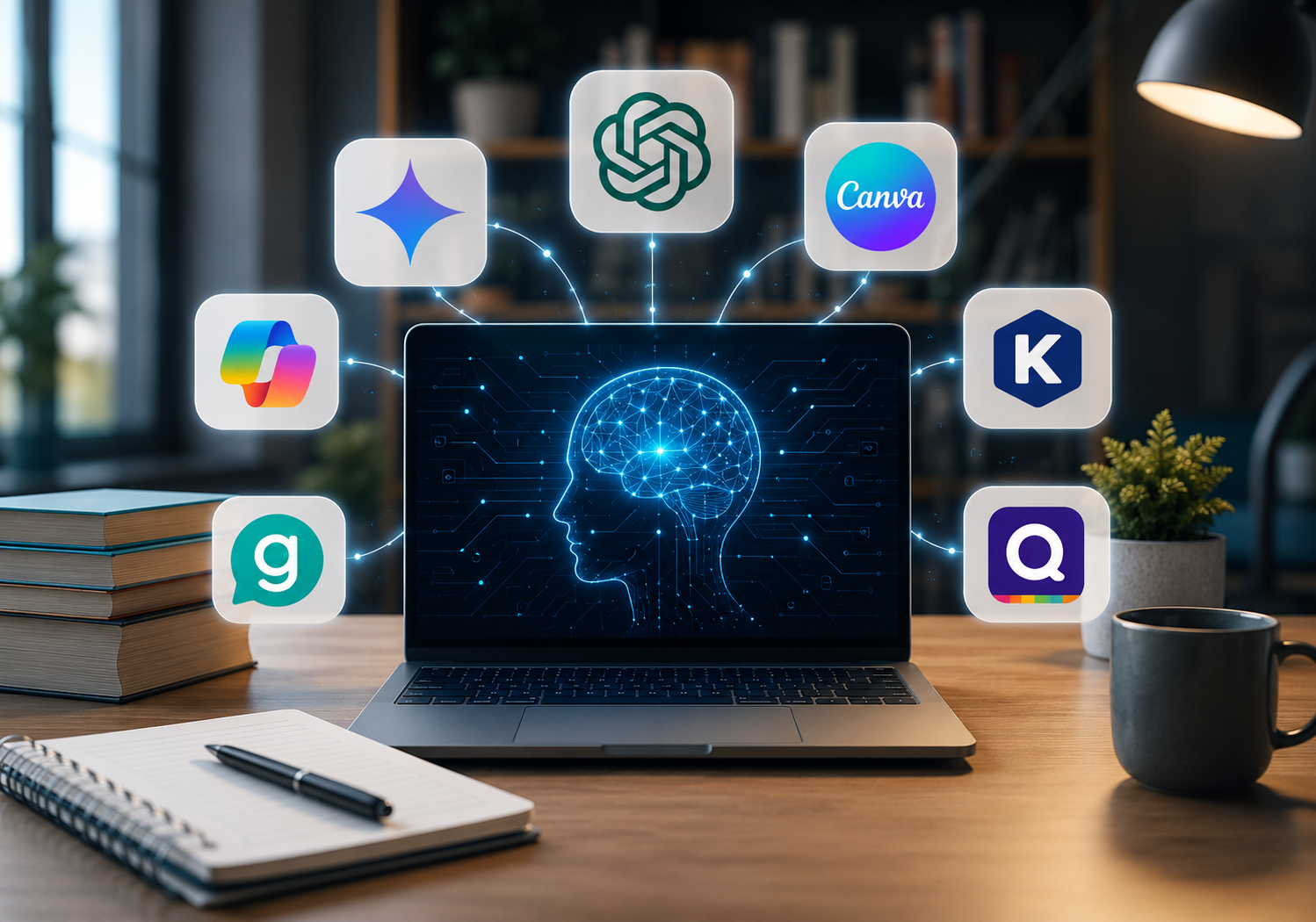
There are now dozens of AI platforms designed specifically for education, alongside general-purpose tools that teachers can use for writing, research, presentations, and classroom preparation. Recent educator-focused resources include tools such as ChatGPT, Gemini, Claude, MagicSchool, Brisk Teaching, Diffit, Quizizz, Khanmigo, NotebookLM, and Perplexity among their recommended options.
Below are 20 of the most useful AI tools for teachers in 2026, organized around the tasks they can actually help with.
1. ChatGPT
Best for: Lesson planning, worksheets, explanations, quizzes, brainstorming, and writing.
ChatGPT is one of the most flexible AI tools available to teachers. Instead of using it for just one task, educators can treat it as an all-purpose brainstorming and content assistant.
A teacher can provide a topic, grade level, learning objective, and lesson duration and ask for a structured lesson plan. It can also generate discussion questions, classroom activities, writing prompts, vocabulary exercises, summaries, and practice quizzes.
For example, an English teacher could ask ChatGPT to explain a difficult grammar concept in simple language and then create exercises that allow students to practice it.
The key advantage is flexibility. Teachers can keep refining the output until it fits their actual classroom.
Why teachers may like it: It can support almost every stage of lesson preparation, from the first idea to the final classroom activity.
2. Google Gemini
Best for: Lesson planning, research, brainstorming, and educational content.
Google Gemini is another general-purpose AI assistant with strong potential for educators.
Teachers can use Gemini to brainstorm activities, simplify difficult concepts, summarize information, create examples, or develop questions around a topic.
Its education-focused ecosystem is particularly relevant for teachers already using Google Workspace. Google says its education offering includes Gemini for Education, NotebookLM, and Gemini in Classroom, with tools designed to help educators plan lessons, personalize learning, and handle everyday teaching tasks.
Why teachers may like it: It fits naturally into Google-based workflows and can support both research and classroom preparation.
3. Microsoft Copilot
Best for: Writing, research, lesson preparation, and productivity.
Microsoft Copilot can be particularly useful for teachers who already work with Microsoft products.
Educators can use it to brainstorm lesson ideas, improve written instructions, summarize information, draft classroom material, and develop content for presentations.
For example, a teacher could turn a rough set of notes into a more organized lesson outline and then refine it before presenting it to students.
Why teachers may like it: It can reduce repetitive writing and preparation work, especially in Microsoft-centered environments.
4. Claude

Best for: Long-form content, reading material, explanations, and feedback.
Claude is useful when teachers are working with lengthy documents or need detailed written assistance.
A teacher can provide a reading passage and ask Claude to summarize it, identify difficult concepts, create comprehension questions, or suggest classroom activities.
It can also help rewrite complicated instructions into clearer language for students.
This makes it particularly useful for teachers working with essays, academic texts, curriculum documents, or long reading assignments.
Why teachers may like it: It is well suited to tasks that involve substantial amounts of text.
5. MagicSchool AI
Best for: Lesson planning, assessments, differentiation, and teacher productivity.
MagicSchool AI is built specifically around education rather than being a general AI chatbot.
The platform offers a broad collection of teacher-focused tools for tasks such as lesson planning, assessment, differentiation, communication, and resource creation. Educator resources also regularly list MagicSchool among dedicated AI tools for teachers.
This can be helpful for teachers who know what they need but do not want to spend time writing complicated prompts from scratch.
A teacher can start with a topic and learning objective, generate a first draft, and then adjust it to match the needs of the class.
Why teachers may like it: Its tools are designed around real teaching workflows rather than generic AI use.
6. Canva

Best for: Presentations, worksheets, infographics, posters, and visual learning.
Canva for Education is useful when a lesson needs more than plain text.
Teachers can create presentations, worksheets, posters, infographics, diagrams, and other classroom materials. Canva’s education platform also includes AI features for generating worksheets, activities, and learning games.
This can be particularly useful for subjects where visual explanations make difficult ideas easier to understand.
A science teacher could create a visual explanation of the water cycle, while a history teacher could design a timeline or interactive presentation.
Why teachers may like it: It allows educators to create polished classroom materials without needing advanced graphic-design skills.
7. Curipod

Best for: Interactive lessons and student engagement.
Curipod focuses on turning lessons into more interactive learning experiences.
Instead of relying entirely on traditional presentations, teachers can use interactive activities and AI-assisted lesson creation to encourage students to participate during the lesson.
This can be useful for discussion-based classes where student responses and participation are just as important as the information being presented.
Why teachers may like it: It helps move lessons from passive presentation toward active participation.
8. Khanmigo

Best for: Tutoring, personalized learning, and teaching support.
Khanmigo is an AI-powered learning assistant from Khan Academy.
It is designed to support students and educators with personalized learning experiences. Teachers can use it as an additional support layer when students need help understanding a concept or working through a learning activity.
Rather than simply giving students an answer, AI tutoring can be used to guide them through the reasoning process.
Why teachers may like it: It can provide additional learning support while keeping the teacher at the center of instruction.
9. Quizizz
Best for: Quizzes, assessments, and classroom engagement.
Quizizz can help teachers turn assessment into a more interactive experience.
Teachers can create quizzes and use AI-assisted features to speed up question creation. These quizzes can then be used for revision, formative assessment, or quick checks of student understanding.
This is especially useful when a teacher wants to find out whether students have understood a topic before moving on.
Why teachers may like it: It combines assessment with an engaging classroom format.
10. Kahoot!
Best for: Interactive quizzes and classroom games.
Kahoot! has become well known for game-based classroom quizzes, and its AI features make creating learning content faster.
Teachers can use AI-assisted tools to generate quiz questions from different types of learning material. Kahoot’s documentation also describes AI features that can create quizzes from topics, PDFs, URLs, and presentation slides.
The game-like format can make revision sessions more energetic, particularly for younger learners.
Why teachers may like it: It combines quick content creation with a classroom experience students already understand.
11. Diffit
Best for: Differentiated instruction and adapting learning material.
Diffit addresses one of the biggest challenges teachers face: students in the same classroom do not always learn at the same pace or at the same reading level.
Teachers can use Diffit to adapt instructional content for different learners and create supporting resources such as questions, vocabulary activities, and graphic organizers.
Instead of writing three or four versions of the same classroom resource manually, a teacher can start with one source and adapt it.
Why teachers may like it: It can make differentiated instruction less time-consuming.
12. Brisk Teaching
Best for: Lesson planning, feedback, differentiation, and classroom resources.
Brisk Teaching is designed to help educators create and adapt teaching material.
Teachers can use it for lesson planning, feedback, differentiation, worksheets, questions, and other classroom tasks. It is also designed to work alongside familiar Google and Microsoft tools, which can make adoption easier.
Brisk is frequently included in educator AI toolkits alongside platforms such as MagicSchool, Diffit, and Eduaide.
Why teachers may like it: It can fit into an existing workflow rather than requiring teachers to rebuild their entire teaching process around a new platform.
13. Eduaide.Ai
Best for: Lesson planning, instructional resources, activities, and assessments.
Eduaide.Ai is another education-focused AI platform designed around instructional planning.
Teachers can use it to develop lesson ideas, classroom activities, learning resources, and assessments. It can be especially useful when a teacher has the basic idea for a lesson but needs help turning it into a structured teaching resource.
The generated content should still be reviewed and customized before reaching students.
Why teachers may like it: It reduces the blank-page problem that often makes lesson preparation take longer than expected.
14. SchoolAI
Best for: AI-powered learning activities and classroom interaction.
SchoolAI focuses on bringing AI into educational environments in a more structured way.
Teachers can create AI-powered learning experiences and use them to support student interaction around particular topics.
The platform can be useful when educators want students to engage with AI within a defined educational activity rather than simply opening a general chatbot.
Why teachers may like it: It provides a more structured way to incorporate AI into classroom learning.
15. TeachMateAI
Best for: Lesson planning and teacher productivity.
TeachMateAI focuses on the everyday workload that comes with teaching.
Teachers can use AI assistance to develop lesson ideas, activities, classroom resources, and other instructional material.
The value is often in the small time savings. A few minutes saved on each lesson, worksheet, or activity can become several hours over the course of a week.
Why teachers may like it: It is focused on practical teaching tasks rather than AI experimentation for its own sake.
16. QuestionWell
Best for: Questions, quizzes, and assessment preparation.
QuestionWell is useful when teachers already have learning material but need questions to go with it.
A teacher can use source material to generate questions for comprehension, discussion, practice, or assessment.
This can be especially helpful for reading-heavy subjects where creating meaningful questions for every passage can become repetitive.
Why teachers may like it: It speeds up one of the more repetitive parts of assessment preparation.
17. Grammarly
Best for: Writing, editing, proofreading, and feedback.
Grammarly is particularly relevant to English teachers and educators who regularly work with written communication.
Teachers can use it to improve emails, instructions, lesson material, feedback, and other professional writing. It can also support students as they work on grammar, clarity, sentence structure, and overall writing quality.
The goal should not be to let AI rewrite every piece of student writing. Instead, it can be used as a support tool that helps learners notice and understand areas for improvement.
Why teachers may like it: It can make writing feedback and everyday professional communication more efficient.
18. NotebookLM
Best for: Research, source-based learning, and working with documents.
NotebookLM is especially useful when teachers already have a collection of sources they want to work with.
Google describes NotebookLM as a research and thinking partner grounded in the sources users provide.
Teachers can use it to organize information from notes, articles, documents, and other materials. It can help summarize source material, identify important ideas, and answer questions based on the provided content.
For research-heavy subjects, this can be much more useful than starting with a completely blank AI chat.
Why teachers may like it: It helps educators work directly with their own teaching and research sources.
19. Perplexity
Best for: Research and information discovery.
Perplexity can help teachers research unfamiliar subjects before preparing a lesson.
Instead of simply generating an answer, Perplexity is designed around AI-powered search and source discovery. This makes it useful for finding information that teachers can investigate further.
For example, a teacher preparing a lesson about a historical event could use it to identify relevant sources and build an initial understanding of the topic.
However, important facts should still be checked against reliable sources before being presented to students.
Why teachers may like it: It can shorten the initial research process and point educators toward sources worth exploring.
20. Gradescope

Best for: Grading and assessment management.
Gradescope is aimed at making assessment and grading workflows more manageable.
For teachers handling large numbers of assignments, exams, or similar questions, repetitive grading can take a significant amount of time. Digital assessment tools can help organize submissions and streamline parts of the grading process.
The teacher should still remain responsible for the final evaluation, particularly when answers require interpretation or subjective judgment.
Why teachers may like it: It can reduce administrative friction around grading and assessment.
How Teachers Can Get More From AI
The biggest mistake is trying to use AI for everything at once.
A better strategy is to identify the part of teaching that consumes the most time and introduce one tool to solve that problem.
If lesson planning is taking up your evenings, tools such as MagicSchool, ChatGPT, Brisk Teaching, and Eduaide.Ai can help create a starting point.
If differentiation is the challenge, Diffit can help adapt learning material for different students.
For interactive assessment, Quizizz and Kahoot! can make quizzes easier to create and more engaging to deliver.
For visual content, Canva can turn a basic lesson idea into a presentation, worksheet, infographic, or other classroom resource.
For research, Perplexity and NotebookLM can help teachers explore topics and organize source material.
The goal is not to collect dozens of AI subscriptions. It is to build a small, reliable toolkit that fits the teacher’s existing workflow.
AI Should Support Teachers, Not Replace Them
AI-generated content still needs human judgment.
A lesson plan may look polished but fail to match the students’ actual ability level. A quiz may contain questions that do not properly measure the learning objective. An AI-generated explanation may also contain inaccurate information.
Research on generative AI in education has highlighted both its potential to support educators and its limitations, including inaccurate outputs and the need for teachers and students to understand how these systems work.
That is why reviewing AI-generated material should remain part of the teaching process.
The best workflow is simple:
AI creates the first draft.
The teacher checks it.
The teacher adapts it.
Students receive the final version.
This approach keeps the efficiency benefits of AI without handing over the educational decision-making process.
Final Thoughts
The best AI tool for teachers is not necessarily the one with the longest feature list. It is the one that solves a real problem in the classroom.
A teacher who spends hours preparing lessons may benefit most from MagicSchool or ChatGPT. Someone struggling with differentiated resources may prefer Diffit. A teacher focused on interactive assessment may get more value from Quizizz or Kahoot!. For research and source-based learning, NotebookLM and Perplexity can be strong additions.
The important thing is to start small.
Choose one repetitive task, find an AI tool that handles it well, and build it into your workflow. Once that process becomes comfortable, another tool can be added where it genuinely saves time.
Used thoughtfully, AI can give teachers something they rarely have enough of: more time to focus on teaching and their students.