

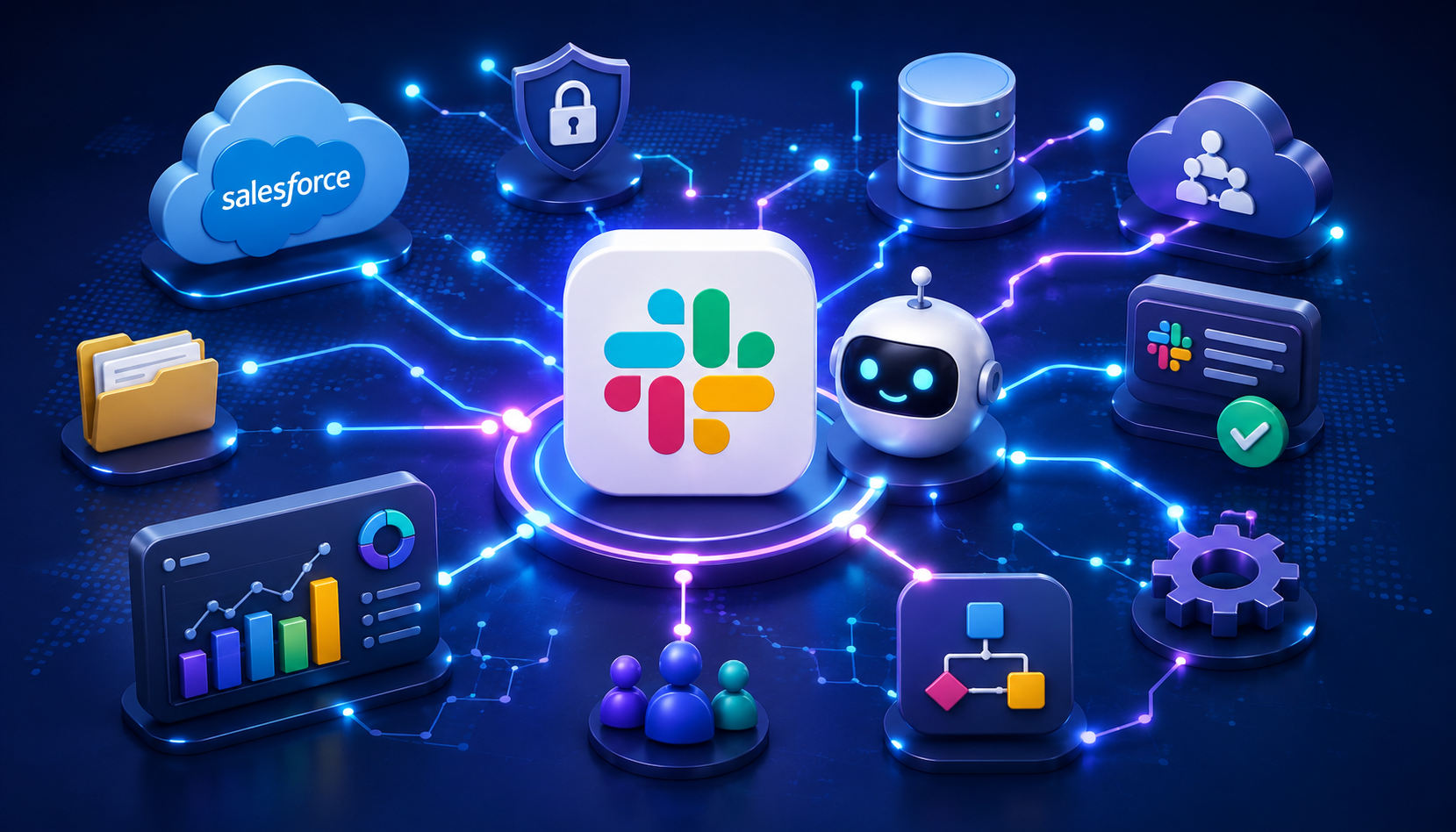
The Slack AI update 2026 is one of Slack’s biggest moves from a workplace messaging tool to an AI-powered business platform. Slack is no longer only a place for team chats, file sharing, and quick updates. With Slackbot becoming more connected to Salesforce, Data 360, Tableau Next, workflows, and AI agents, Slack is becoming a central place where teams can search data, take action, and manage work without switching between apps.
The most important part of this update is Slackbot MCP. MCP stands for Model Context Protocol. In simple terms, it gives Slackbot a structured way to connect with external business systems like Salesforce CRM, Data 360, Tableau Next, APIs, workflows, and custom tools.
For companies already using Slack and Salesforce, this update matters a lot. Slackbot can now help teams find customer information, summarize account activity, update records, check dashboards, trigger workflows, and support business actions inside Slack conversations.
What Is the Slack AI Update 2026?
The Slack AI update is Salesforce’s effort to turn Slack into a conversational workspace where employees, apps, business data, workflows, and AI agents can work together.
Instead of opening Salesforce, Tableau, email, documents, and approval tools separately, users can ask Slackbot a question inside Slack. Slackbot can then search relevant information, summarize it, or help complete a task.
For example, a sales manager can ask:
“What changed in the Acme renewal this week?”
Slackbot may pull recent Salesforce activity, summarize account notes, review related Slack discussions, and show useful pipeline context from connected data.
This means Slackbot is no longer just a basic assistant for reminders and summaries. It is becoming an enterprise AI agent that can help teams act on business data directly from Slack.
What Is Slackbot MCP?
Slackbot MCP means Slackbot can connect with external tools and business systems through Model Context Protocol.
MCP is a standard that helps AI applications connect to databases, files, apps, workflows, APIs, and enterprise systems. For Slack, this means Slackbot can move beyond Slack messages and connect with Salesforce records, Data 360 customer data, Tableau dashboards, and custom business workflows.
In practical terms, Slackbot can:
Search Salesforce records
Read account and opportunity data
Help create or update CRM records
Access Data 360 information
Connect with Tableau Next dashboards
Trigger workflows from Slack
Use business context from connected systems
Follow Salesforce permission rules
This makes Slackbot more useful for enterprise teams because it can answer questions with real business context, not just chat history.
How Slackbot Works With Salesforce
Slackbot works with Salesforce through MCP servers. A Salesforce MCP server gives Slackbot controlled access to Salesforce tools, records, and actions.
The process is simple:
A user asks Slackbot a question in Slack.
Slackbot checks which MCP tools are available.
Slackbot connects to the correct Salesforce MCP server.
The user is authenticated through Salesforce.
Slackbot retrieves the needed information or performs the action.
The answer appears inside the Slack conversation.
For example, a sales rep may ask:
“What is the current status of this deal?”
Slackbot can search Salesforce, summarize the latest activity, show next steps, and help the rep update the opportunity without leaving Slack.
This is useful because teams often lose time switching between Slack, Salesforce, Tableau, and internal documents. Slackbot reduces that friction by bringing the work into the conversation.
Key Slack AI Features in 2026
Salesforce CRM Integration
Slackbot can connect with Salesforce CRM so teams can search, view, create, and update customer records inside Slack. Sales teams can ask for deal status, customer history, open tasks, account notes, and next steps without opening Salesforce separately.
This is helpful for sales reps, account managers, revenue teams, and customer success teams that need fast access to customer information.
Data 360 Access
Slackbot can also connect with Salesforce Data 360. This gives teams a broader view of customer and business data. Instead of relying only on one record or one conversation, Slackbot can use connected data to give better context.
This is useful for teams that need a complete view of customers, campaigns, support history, or business activity.
Tableau Next Support
With Tableau Next support, Slackbot can help teams access dashboards, KPIs, and analytics from Slack. A manager can ask a question like:
“Show this quarter’s pipeline by region.”
Slackbot can return useful reporting context inside the conversation. This helps teams discuss numbers, review performance, and make decisions faster.
Workflow Automation
Slack AI can help teams trigger repeatable tasks from conversations. These tasks may include routing approvals, updating records, sending notifications, creating requests, or moving work to the next stage.
This is valuable for HR, IT, sales operations, finance, and customer support teams because it reduces manual steps and helps avoid missed tasks.
AI Summaries
AI summaries help users catch up on long threads, channels, huddles, files, and updates. Instead of reading every message, users can get a short summary of what happened, what changed, and what needs attention.
This is useful for busy managers, remote teams, support agents, and project leads.
Canvas AI
Canvas AI helps teams turn Slack conversations into clearer working documents. It can support meeting notes, project briefs, campaign plans, internal guides, and team updates.
This helps teams move from scattered messages to organized documents that can be shared and reused.
AI Agents in Slack
AI agents can work inside Slack channels, direct messages, and threads. Teams can mention them like teammates and ask them to help with questions, updates, tasks, and workflows.
For IT support, customer service, sales enablement, and internal operations, AI agents can reduce repeated work and help move tasks forward.
Real-World Use Cases for Slack AI
Sales Teams
Sales reps can ask Slackbot for deal updates, recent customer activity, open next steps, or account history. Instead of switching between Slack and Salesforce, they can get the answer in the same channel where the team is already discussing the deal.
Example:
“What is the latest status of the Acme renewal?”
Slackbot can summarize Salesforce activity, show related notes, and help update the next step.
Customer Support Teams
Support agents can use Slackbot to check customer history, previous issues, escalation status, and related internal discussions.
Before a call, an agent can ask:
“Summarize all open issues for this customer.”
This helps support teams respond faster and give customers more accurate answers.
Marketing Teams
Marketing teams can use Slack AI to summarize campaign feedback, review audience insights, draft updates, and connect campaign discussions with sales data.
For example:
“What feedback did sales share about the new product campaign?”
Slackbot can collect useful points from Slack conversations and help turn them into a cleaner report.
HR Teams
HR teams can use Slack AI to summarize interview feedback, prepare internal updates, and automate employee workflows.
A recruiter can ask:
“Summarize feedback from the final interview panel.”
This reduces manual note collection and helps HR teams move faster.
Finance Teams
Finance teams can use Slackbot for KPI snapshots, revenue summaries, budget updates, and Tableau-based reporting.
Example:
“Show quarterly revenue movement by region.”
This helps finance teams review numbers inside Slack instead of waiting for manual dashboard exports.
IT Teams
IT admins can use Slackbot and AI agents to answer internal requests, route tickets, trigger workflows, and manage repeated support tasks.
Example:
“Create an access request for the new marketing hire.”
This can reduce repetitive admin work and speed up response times.
Security and Privacy
Security is one of the most important parts of the Slack AI update 2026.
Slackbot’s access to Salesforce data is not meant to bypass Salesforce permissions. Salesforce security rules still apply. That includes field-level security, object permissions, sharing rules, and user authentication.
This matters because enterprise teams need AI tools that respect existing access controls. A user should only see or update the data they are allowed to access.
Even with these controls, companies should still review:
AI access permissions
Admin controls
Salesforce org mapping
Data residency needs
App approval rules
Audit and compliance requirements
Internal policy for AI-generated outputs
The key point is simple: Slack AI is designed for business use, but companies still need strong governance.
Slack AI Pricing and Availability
Slack AI is also part of Slack’s wider pricing and packaging changes.
Some AI features are available on paid Slack plans, such as conversation summaries and huddle notes. More advanced AI and Salesforce features may require Business+ or Enterprise+ plans.
Companies should ask Slack or Salesforce:
Is Slackbot MCP included in our current plan?
Which Salesforce MCP servers are available?
Do we need Business+ or Enterprise+?
Are Tableau Next or Data 360 features billed separately?
Are Agentforce actions included?
What usage limits apply to summaries, search, workflows, and MCP?
This is important because the value of Slack AI depends not only on features, but also on pricing, setup, and how deeply the company already uses Salesforce.
Slack AI vs Microsoft Copilot, Google Gemini, and Notion AI
Slack AI is best for companies that use Slack as their main communication hub and Salesforce as their main business system.
Microsoft Copilot is stronger for teams that work mostly inside Microsoft 365, including Teams, Word, Excel, PowerPoint, and Outlook.
Google Gemini is better for teams that rely heavily on Gmail, Docs, Sheets, Drive, and Meet.
Notion AI is stronger for structured notes, documentation, databases, and knowledge management.
Slack AI stands out because it focuses on channel-based teamwork, Salesforce data, workflow automation, and business actions inside live conversations.
Is the Slack AI Update Worth It?
The Slack AI update 2026 is worth serious attention for companies already using Slack and Salesforce.
For sales, support, marketing, finance, HR, IT, and operations teams, it can reduce app switching, improve visibility, speed up reporting, and make business data easier to use.
It may be less useful for companies that do not use Salesforce, do not need advanced workflow automation, or already run most of their work inside Microsoft 365 or Google Workspace.
The main questions for buyers are pricing, admin setup, security, compliance, and team adoption.
Final Verdict
The Slack AI update 2026 is a major step in Slack’s shift from workplace chat to enterprise AI collaboration.
By connecting Slackbot with Salesforce MCP, Data 360, Tableau Next, workflows, and AI agents, Salesforce is making Slack a stronger place to search data, summarize work, trigger actions, and collaborate with AI.
For Salesforce-heavy companies, this update is more than another AI feature. It shows that Slack is becoming a conversational control center for enterprise work.
Before rolling it out, businesses should review plan requirements, permissions, compliance needs, and internal AI policies. But for teams already invested in Slack and Salesforce, the Slack AI update can be a valuable step toward faster, smarter, and more connected work.