

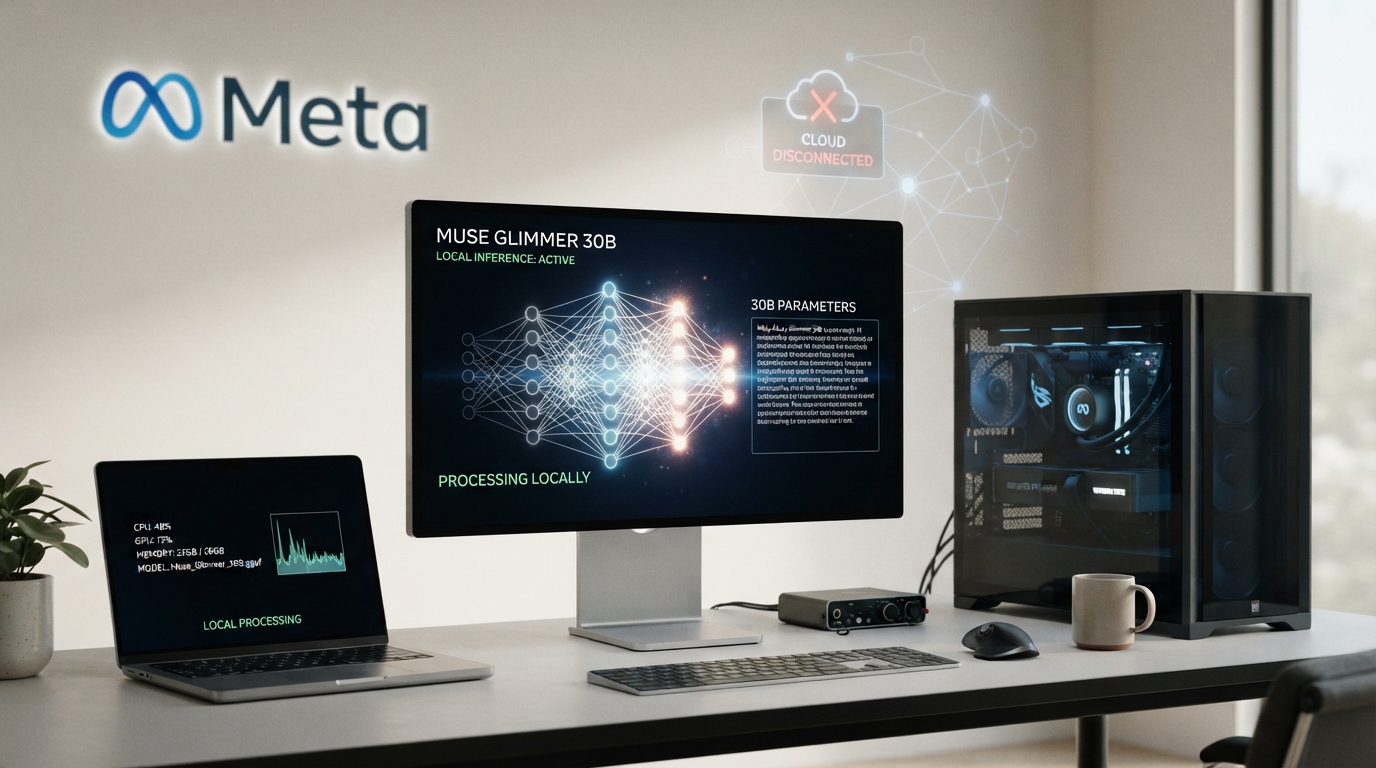
Meta has released Muse Glimmer, a roughly 30-billion-parameter open-weight AI model built for one specific goal: running AI agents locally on your own hardware.
Released on August 10, 2026, Muse Glimmer is the first model from Meta Superintelligence Labs. Unlike cloud-first AI models, it is designed to run on a single consumer GPU or Apple Silicon Mac without sending every prompt to a remote server.
That makes it particularly interesting for developers building local AI agents, coding assistants, automation tools, and privacy-focused applications.
Muse Glimmer can understand text and images, call external tools, handle multi-step tasks, and work with long contexts. It is also available under the Apache 2.0 license, making its weights available for developers to use and build on under the license terms.
But there is an important distinction.
Muse Glimmer is not designed to beat every frontier AI model.
Instead, Meta is targeting a different problem: how to make a capable AI agent that can keep running locally without a cloud connection or recurring API costs.
So, what exactly is Muse Glimmer? Can it really run offline? What hardware do you need? How do you install it? And how does it compare with Qwen3.6-27B and Gemma4-31B?
Let’s break it down.
What Is Muse Glimmer AI?
Muse Glimmer is a 30B open-weight multimodal AI model from Meta designed for local agentic AI.
In simple terms, it is built to do more than answer individual questions.
A traditional chatbot might receive a prompt, generate an answer, and stop.
Muse Glimmer is designed to work inside an AI agent that can:
- Break a task into multiple steps
- Call tools and functions
- Read files
- Analyze screenshots
- Work with code
- Continue working through a long task
- Use information from previous steps
The model supports text and image input and can operate with a context window of up to 131,072 tokens.
Its biggest selling point is local deployment.
Once the required model files are downloaded, you can run inference on your own machine instead of sending every request to Meta or another AI provider.
Is Muse Glimmer open source?
It is more accurate to call Muse Glimmer an open-weight model.
Meta has released the model weights under the Apache 2.0 license. Developers can download and run the weights and build applications around them according to the license terms.
However, open weights do not mean that everything involved in creating the model has been released.
The training data, proprietary training infrastructure, and other internal components are not necessarily available.
This distinction matters because open-weight and fully open-source AI are not always the same thing.
Muse Glimmer vs. Muse Spark
Muse Glimmer is not Meta’s largest or most capable model.
Meta positions it below Muse Spark, its larger system.
Instead of trying to reproduce Spark’s full capabilities, Meta distilled capabilities from the larger model into a smaller system that can run on much more accessible hardware.
The training process included:
- Supervised fine-tuning
- On-policy distillation
- Reinforcement learning
The result is a model focused specifically on local agentic workloads.
Muse Glimmer 30B Specifications
Here is a quick look at the model:
| Specification | Muse Glimmer |
|---|---|
| Developer | Meta Superintelligence Labs |
| Model size | Approximately 30B parameters |
| Architecture | Dense decoder-only transformer |
| Vision encoder | Approximately 1.8B parameters |
| Context window | 131,072 tokens |
| Input | Text and images |
| Output | Text |
| License | Apache 2.0 |
| Main use case | Local AI agents |
| Quantized versions | 24GB and 32GB targets |
| Release date | August 10, 2026 |
The Hugging Face release reports approximately 29.78 billion parameters for the base model.
The full BF16 weights are roughly 59.55GB, which is far too large for most consumer GPUs.
That is why quantized versions are important for practical local use.
How Does Muse Glimmer Work?
The interesting part of Muse Glimmer is not simply its 30B parameter count.
Meta designed the architecture around a practical problem:
How do you run a relatively large model on consumer hardware without using enormous amounts of memory?
Several architectural decisions help answer that question.
1. Muse Glimmer Uses a Dense Architecture
Muse Glimmer is a dense model.
That means its parameters are active during each forward pass.
This differs from mixture-of-experts models, where only selected experts are activated for each token.
For local deployment, a dense architecture can make the model easier to reason about from a memory and inference perspective.
2. Grouped-Query Attention Reduces Memory Usage
Muse Glimmer uses grouped-query attention, or GQA.
The model has 32 query heads but only 2 key-value heads.
Why does that matter?
The key-value cache can consume a significant amount of memory during long-context inference.
Using fewer key-value heads reduces that memory requirement.
This is particularly useful for a model supporting a 131K-token context window.
3. Local and Global Attention
Muse Glimmer does not use full-context attention in every layer.
Instead, it combines:
- Local attention
- Global attention
The local attention layers use a 2,048-token window.
Global attention layers can access the broader context.
The architecture follows a repeating pattern in which several local-attention layers are followed by a global-attention layer.
This helps the model handle long contexts without making every layer pay the full cost of long-range attention.
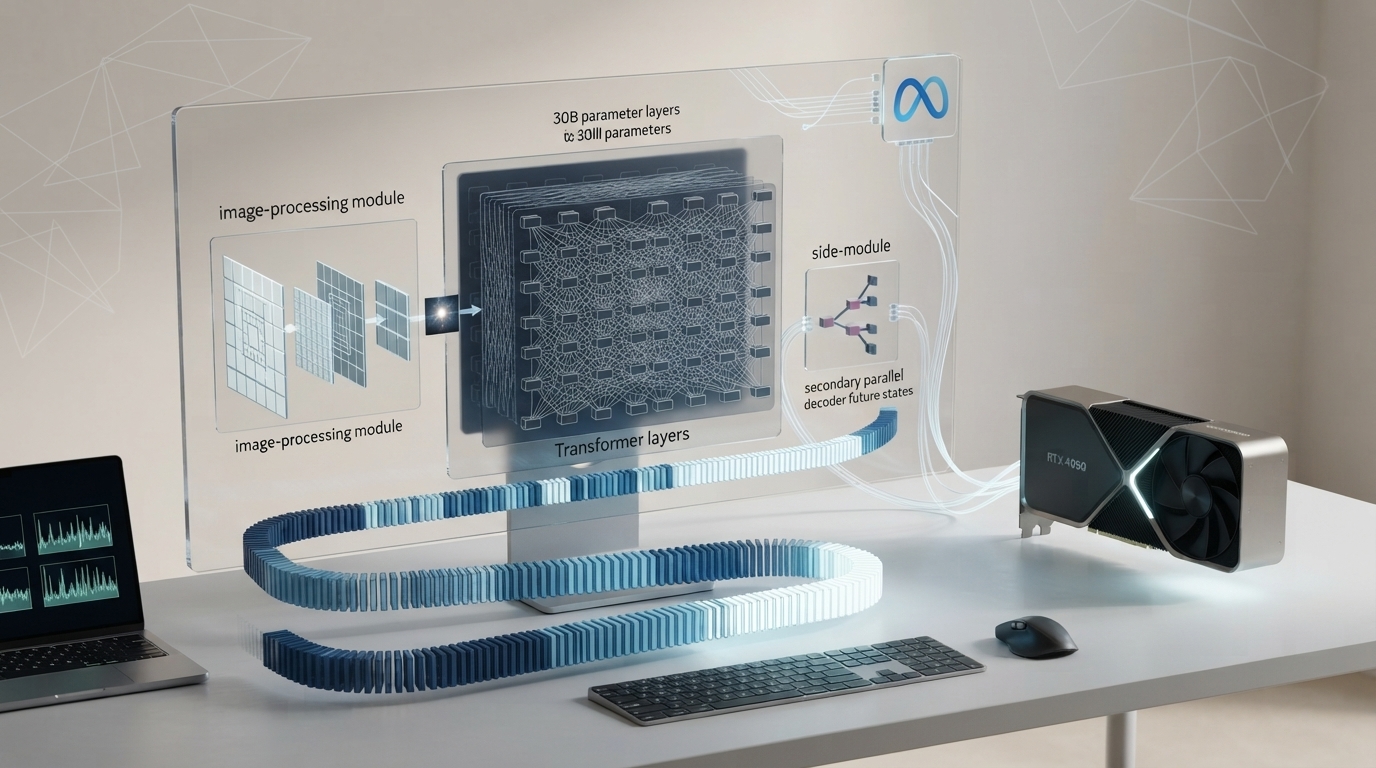
4. A Separate Vision Encoder Handles Images
Muse Glimmer is multimodal, meaning it can understand both text and images.
Images are processed through a separate perception encoder of roughly 1.8 billion parameters.
This allows Glimmer to work with things such as:
- Screenshots
- Scanned documents
- User interfaces
- Visual information
- Images containing text
If you are running certain GGUF configurations, you may also need the appropriate vision component or projector.
So if image input does not work, check that your runtime has loaded the required vision files.
5. DFlash Can Speed Up Generation
Another interesting part of Muse Glimmer is DFlash, Meta’s speculative-decoding approach.
Normally, a language model generates tokens one at a time.
Speculative decoding changes this process.
A smaller model first predicts a group of possible tokens. The larger model then checks those predictions.
If the predictions are correct, several tokens can be accepted at once.
Meta designed DFlash specifically to improve local inference performance.
That matters because local AI performance is often limited by memory bandwidth, not simply by how powerful the GPU is.
What Can Muse Glimmer AI Do?
Muse Glimmer is primarily designed for agentic AI, rather than simply acting as another chatbot.
Here are its main use cases.
Local AI Agents
Glimmer can act as the reasoning engine behind an AI agent.
The agent can break a task into smaller steps, call tools, process results, and continue working.
For example, a local agent could potentially:
- Read a folder of documents.
- Analyze the contents.
- Create a summary.
- Write the results into a file.
- Run another tool.
- Review the output.
The model provides the reasoning and tool-calling capability, while the surrounding agent framework handles execution.
Tool and Function Calling
Tool calling is one of the areas Meta emphasizes with Muse Glimmer.
Instead of simply generating text, the model can produce structured calls that an application can execute.
This makes it useful for agents that need to:
- Read files
- Execute commands
- Search information
- Interact with software
- Modify documents
- Automate workflows
This is also one reason Glimmer is more interesting as an agent model than as a basic chatbot.
Coding
Muse Glimmer can help with common software-development tasks, including:
- Writing code
- Debugging
- Refactoring
- Generating tests
- Explaining existing code
- Working through multi-step development tasks
However, it is important not to claim that Glimmer is the best coding model overall.
Qwen3.6-27B performs better on several terminal and computer-use evaluations in Meta’s published comparison.
Does Muse Glimmer Have Persistent Memory?
Not by itself.
This is an important distinction.
Muse Glimmer provides reasoning, context handling, and tool-calling capabilities.
Persistent memory usually comes from the agent framework surrounding the model.
For example, an agent could save information in:
- Local files
- A database
- A vector store
- A memory system
The agent can then retrieve that information during future sessions.
So the more accurate explanation is:
Muse Glimmer can power a persistent local AI agent, but persistent memory is generally provided by the surrounding software rather than the model itself.
Can Muse Glimmer Really Run Offline?
Yes, the model can run inference locally without a cloud connection.
Once the model files and required runtime components are installed, Muse Glimmer can generate responses using your own hardware.
You do not need to send each prompt to Meta’s servers.
This can be useful for:
- Private documents
- Local coding
- Offline AI experiments
- Local image analysis
- Internal workflows
- Always-on AI agents
But there is an important caveat.
Offline Model Does Not Mean Offline Everything
The model can run offline.
The tools connected to the model might not.
For example:
| Setup | Internet required? |
|---|---|
| Local model + local files | No |
| Local model + calculator | No |
| Local model + local database | No |
| Local model + web search API | Yes |
| Local model + cloud SaaS API | Yes |
So when Meta describes Glimmer as an offline-capable model, the claim primarily applies to model inference.
If your agent calls an external API, that part of the workflow still requires a network connection.
Is Local AI Automatically Private?
No.
Running inference locally can keep your prompts and model computation on your device.
But your overall privacy depends on the entire software stack.
If an agent sends information to a cloud API, that information is no longer completely local.
Muse Glimmer Hardware Requirements
Hardware is probably the biggest consideration before installing Muse Glimmer.
A full-precision version is around 60GB, which puts it outside the practical range of most consumer GPUs.
Quantized versions are much more accessible.
| Model version | Target memory | Approx. quality impact |
|---|---|---|
| BF16 | 64GB+ | Baseline |
| K-Quant-Dynamic | 32GB | ~0.2% |
| K-Quant-17GB | 24GB | ~1.0% |
The degradation figures are based on Meta’s reported benchmark comparisons.
Can Muse Glimmer Run on a 24GB GPU?
Yes.
The 17GB K-Quant version is designed for a 24GB hardware configuration.
However, don’t assume that having exactly 24GB means you have unlimited room.
Your GPU also needs memory for:
- Context
- Runtime overhead
- Vision components
- DFlash
- Other processes
If you plan to use long contexts, additional memory headroom becomes increasingly important.
Can Muse Glimmer Run on a 32GB GPU?
Yes.
The 32GB configuration provides more memory headroom and has a smaller reported quality difference from the full-precision model.
For users with compatible hardware, it is the more comfortable option.
Can You Run Muse Glimmer on a Mac?
Yes.
Apple Silicon Macs can run Muse Glimmer using local inference frameworks such as MLX and applications such as Ollama.
Because Apple Silicon uses unified memory, the amount of total system memory becomes especially important.
A Mac with insufficient unified memory may struggle even if the model technically fits on disk.
How Much Storage Does Muse Glimmer Need?
Storage requirements vary depending on the version you choose.
Ollama currently lists approximately:
- 18GB for the standard model
- 19GB for the MLX version
- 31GB for Q8
- 57GB for BF16
You should keep additional storage available for model caches, runtime files and other components.
Muse Glimmer Benchmarks
Muse Glimmer’s benchmark results are impressive, but they need context.
Meta compared the model with Qwen3.6-27B and Gemma4-31B, two models in a similar parameter range.
| Benchmark | Muse Glimmer | Qwen3.6-27B | Gemma4-31B |
|---|---|---|---|
| MCP Atlas | 75.5 | 62.5 | 54.2 |
| SWE-Bench Pro | 51.2 | 50.2 | 36.9 |
| SWE-Bench Verified | 76.0 | 77.2 | 66.6 |
| TerminalBench 2.1 | 51.7 | 60.7 | 43.4 |
| OSWorld-Verified | 65.9 | 75.6 | 58.5 |
| AIME 2026 | 94.7 | 94.1 | 89.2 |
| GPQA Diamond | 83.5 | 84.2 | 85.7 |
What Do These Benchmarks Tell Us?
The biggest takeaway is not that Muse Glimmer wins every benchmark.
It doesn’t.
Instead, Glimmer appears particularly strong in agentic tool use.
For example, it scores substantially higher than Qwen3.6-27B and Gemma4-31B on MCP Atlas.
But Qwen3.6-27B scores higher on:
- SWE-Bench Verified
- TerminalBench 2.1
- OSWorld-Verified
That means the choice depends heavily on your workload.
Glimmer is particularly attractive for local agentic workflows.
Qwen3.6-27B remains highly competitive for terminal-heavy coding and computer-use tasks.
Benchmark results can also change depending on prompting, tools, model versions and evaluation setups.
Muse Glimmer vs Qwen3.6-27B
Qwen3.6-27B is probably one of the most important models to compare with Muse Glimmer.
| Category | Muse Glimmer | Qwen3.6-27B |
|---|---|---|
| Main focus | Local agentic AI | General agentic and coding |
| Local deployment | Excellent | Excellent |
| Tool use | Strong | Strong |
| SWE-Bench Verified | 76.0 | 77.2 |
| TerminalBench 2.1 | 51.7 | 60.7 |
| OSWorld | 65.9 | 75.6 |
| MCP Atlas | 75.5 | 62.5 |
Which One Should You Choose?
Choose Muse Glimmer if you care most about:
- Local agents
- Tool calling
- Long-running workflows
- Local multimodal tasks
- Running an always-on assistant
Choose Qwen3.6-27B if your workload focuses heavily on:
- Terminal tasks
- Software engineering
- Computer-use automation
- Coding benchmarks
There is no universal winner.
Muse Glimmer vs Gemma4-31B
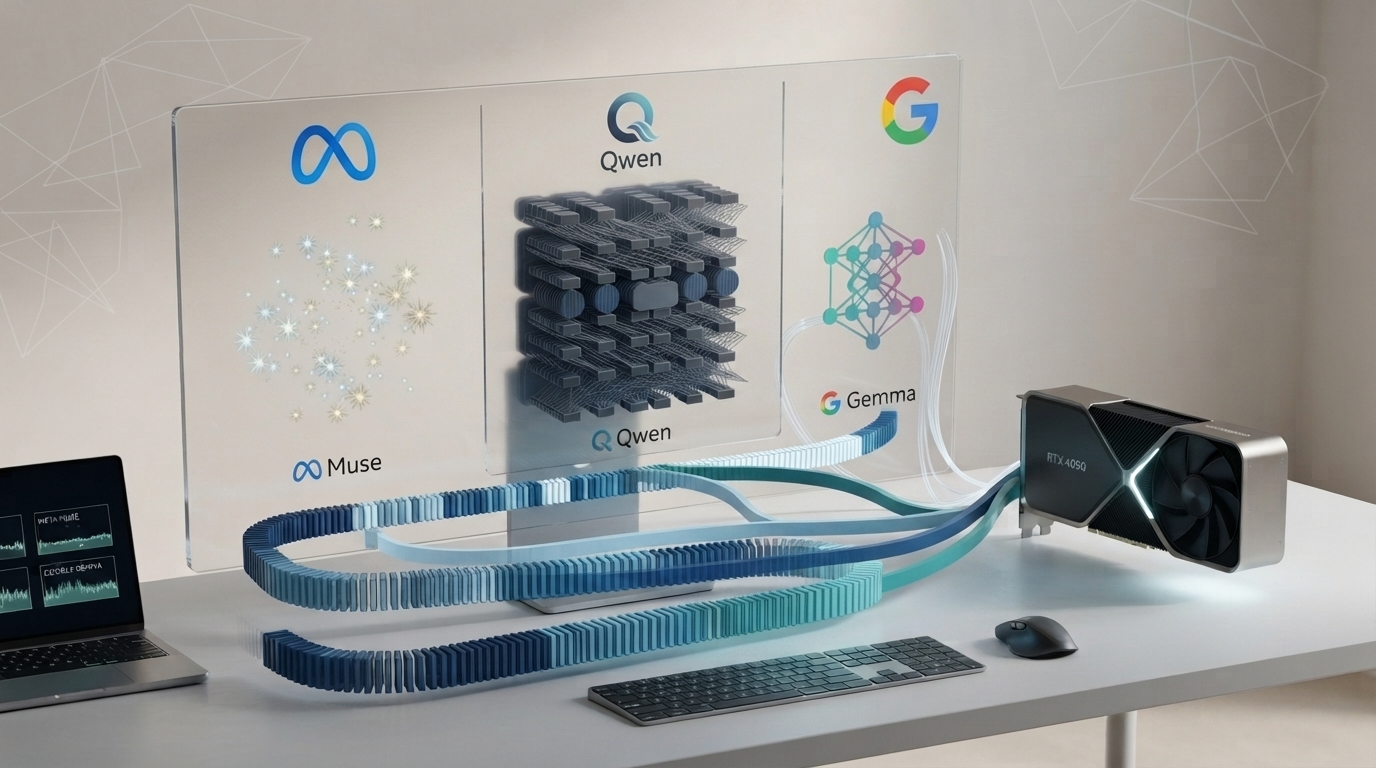
Gemma4-31B is another useful comparison because it occupies a similar model-size category.
Muse Glimmer performs strongly against Gemma4-31B on several agentic and coding benchmarks.
However, Gemma4 remains competitive in areas such as general reasoning and science-related tasks.
The key difference is positioning.
Muse Glimmer is specifically designed around local agentic workflows.
That makes it particularly interesting if your goal is not simply to run a chatbot, but to build an AI system that can interact with tools and software.
Who Should Use Muse Glimmer?
Muse Glimmer is a strong candidate for several types of users.
Developers Building Local Agents
If you are building an agent that needs to interact with files, applications or tools, Glimmer’s design is directly relevant.
Local AI Enthusiasts
If you already own a capable GPU or Apple Silicon Mac, Glimmer gives you another powerful model to experiment with locally.
Privacy-Focused Users
Local inference can reduce the amount of information that needs to be sent to third-party AI providers.
Just remember that connected tools can still transmit information externally.
Small Teams
Teams running internal AI workflows may prefer local inference when they want to reduce recurring API costs.
AI Researchers and Developers
The open-weight release makes Glimmer useful for experimentation, evaluation and model development.
Who Should Not Use Muse Glimmer?
Muse Glimmer is not the best choice for everyone.
You may want a cloud-based model instead if you:
- Don’t have suitable hardware
- Want zero setup
- Need frontier-level reasoning
- Prefer managed infrastructure
- Don’t want to manage model updates
- Need large-scale cloud deployment
You may also prefer another local model if your primary workload is terminal-heavy coding or computer-use automation.
Muse Glimmer Limitations You Should Know
Before downloading a 30B model, there are several limitations worth considering.
1. Hardware Requirements
Muse Glimmer is considerably heavier than small 7B or 14B local models.
A 24GB-class GPU is a much more realistic starting point.
2. Quantization Is a Trade-Off
Quantized versions reduce memory requirements, but they can introduce some quality degradation.
Meta reports approximately 1.0% degradation for its 24GB-targeted configuration and approximately 0.2% for the 32GB configuration across its evaluation set.
3. Persistent Memory Comes From the Agent
The model itself is not a database.
Persistent memory normally comes from the agent framework surrounding it.
4. Agent Performance Depends on the Harness
The underlying model is only one part of an AI agent.
Performance also depends on:
- Tools
- Prompts
- Permissions
- Memory
- Orchestration
- Runtime
5. Local Does Not Mean Completely Private
If your agent connects to external services, information can still leave your machine.
6. It Does Not Win Every Benchmark
Muse Glimmer performs strongly in several agentic evaluations but trails Qwen3.6-27B on some coding and computer-use tests.
Why Muse Glimmer Matters for Local AI
Muse Glimmer is important because Meta is approaching AI development from a different direction.
The industry has spent years competing to build increasingly large frontier models.
Muse Glimmer focuses on something more practical:
How much useful agentic capability can you put on hardware people already own?
The model combines:
- Approximately 30B parameters
- Multimodal input
- Tool calling
- Long context
- Local inference
- Quantized deployment
- Speculative decoding
That combination could make local AI agents more practical for developers and advanced users.
Instead of sending every task to a cloud model, users can increasingly run specialized AI systems directly on their computers.
Should You Try Muse Glimmer?
Yes, if you have the hardware and want a serious local AI agent.
Muse Glimmer is not trying to become the universal winner of every AI benchmark.
Its value comes from a more focused proposition.
You get an approximately 30B open-weight model with:
- Local inference
- Multimodal capabilities
- Tool calling
- Long context
- Quantized versions
- Agent-focused optimization
- No per-token API cost for local inference
The biggest barrier is hardware.
If you have a 24GB or 32GB GPU, or a sufficiently capable Apple Silicon Mac, Muse Glimmer is worth testing.
If your primary workload is terminal-heavy coding or computer-use automation, compare it carefully with Qwen3.6-27B.
But if your goal is to build an always-on AI agent that runs locally and does not depend on a cloud API for every response, Muse Glimmer is one of the more interesting open-weight models to explore.